
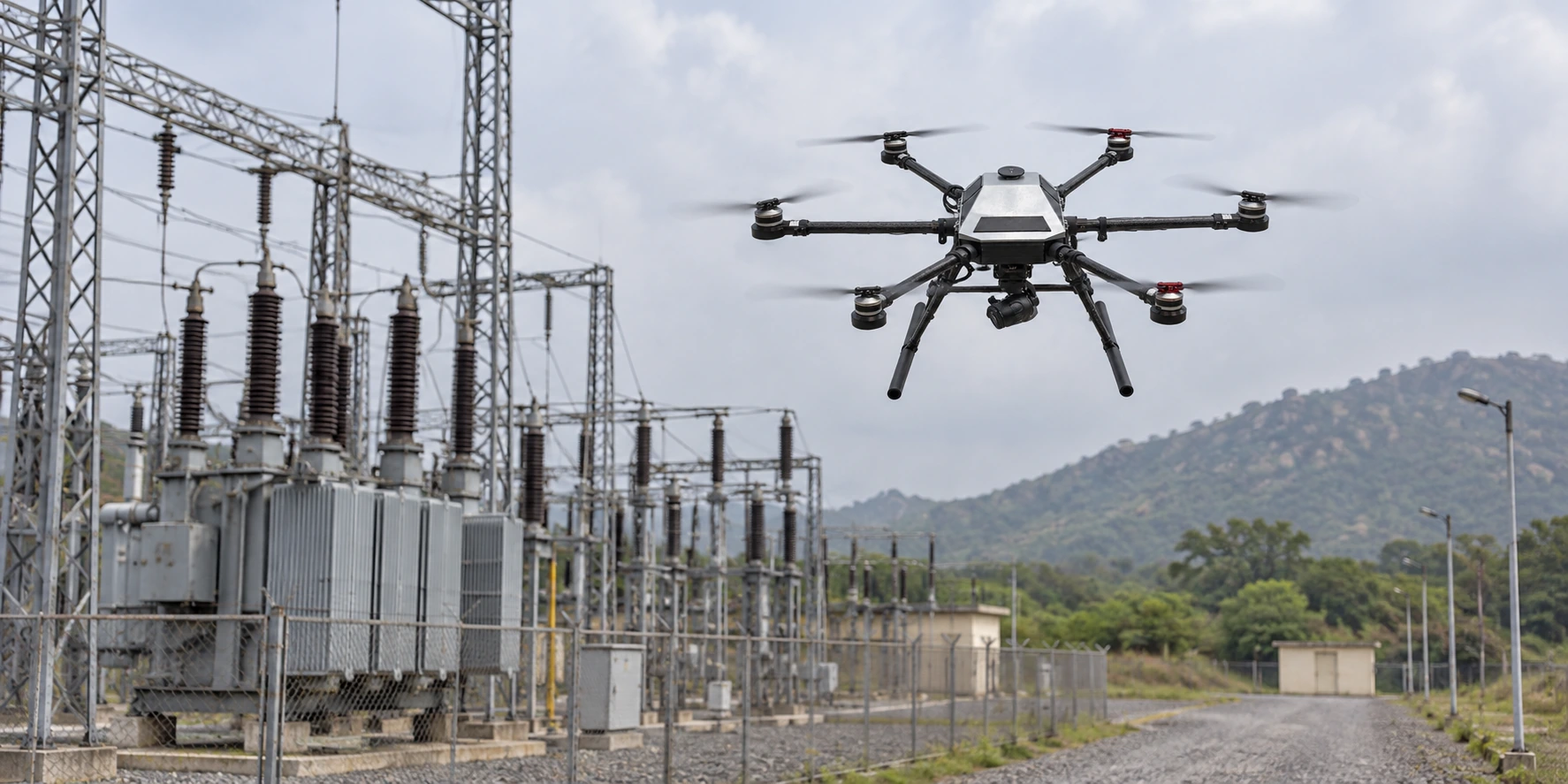
The interface between aircraft and operator.

KapYah software supports the operator’s work around flight, viewing and post-flight review. Explore the role of each tool, then discuss the right configuration with the team.

Ask about software

GROUND CONTROL

KapYah GCS

Plan the flight. Monitor the aircraft. Keep control in view.

KapYah GCS brings vehicle connection, mission planning, live telemetry and camera viewing into one operator workspace on Windows and Android.

Use it to prepare a route and geofence, verify vehicle health, follow the aircraft on a map and review the live camera feed during the operation.

  • Windows and Android operation
  • MAVLink vehicle communication
  • Mission, waypoint and geofence planning
Explore KapYah GCS

FLIGHT-LOG ANALYSIS

KapYah LogMiner

Understand what happened on every flight.

KapYah LogMiner turns recorded flight data into an understandable route, synchronized charts, health findings and reports on a Windows desktop.

Import a supported log, replay the route, examine flight events and system health, and prepare a report for maintenance or operational review.

  • Local and offline analysis
  • Route playback and synchronized charts
  • PDF and Excel reports
Explore KapYah LogMiner

FIRST-PERSON VIEW

KapYah FPV

A dedicated view of the aircraft camera feed.

KapYah FPV displays a compatible aircraft camera’s live RTSP feed in a focused Windows desktop interface for field monitoring and camera-link checks.

Enter the camera stream address, connect to the live feed and monitor its connection status while testing or operating the aircraft.

  • Live RTSP camera viewing
  • Manual stream connection
  • Visible feed connection status
Explore KapYah FPV